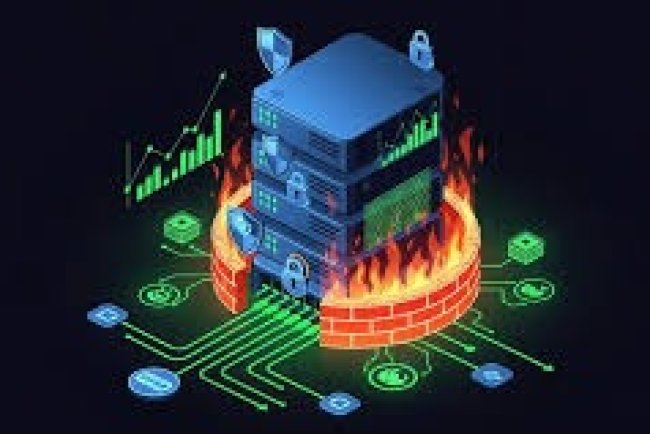
Why VPS Servers Crash Unexpectedly and How to Prevent It
Learn how to identify and prevent unexpected VPS server crashes, ensuring high uptime and performance for your online applications.

Why VPS Servers Crash Unexpectedly and How to Prevent It
VPS servers, or Virtual Private Servers, are a popular choice for businesses and individuals looking to host their online applications. However, even with the best hardware and software, VPS servers can crash unexpectedly, causing downtime and lost productivity. In this article, we'll explore the reasons behind VPS server crashes and provide tips on how to prevent them.
One of the main reasons VPS servers crash is due to software conflicts. When multiple applications are installed on a VPS server, they can sometimes conflict with each other, causing system crashes. This can be particularly problematic if the applications are not compatible with each other or with the server's operating system.
Another reason VPS servers crash is due to hardware issues. Even with regular maintenance, VPS servers can still experience hardware failures, such as hard drive crashes or RAM issues. These hardware failures can cause the server to crash, leading to downtime and lost productivity.
Overloading is another common reason VPS servers crash. When a VPS server is overloaded with too many applications or users, it can cause the server to slow down and eventually crash. This can be particularly problematic if the server is not properly configured or maintained.
Finally, human error can also cause VPS servers to crash. When administrators make mistakes, such as installing the wrong software or configuring the server incorrectly, it can cause the server to crash. In some cases, human error can also lead to security vulnerabilities, which can be exploited by hackers.
To prevent VPS server crashes, it's essential to identify the root cause of the issue. By analyzing the server's logs and monitoring its performance, administrators can identify potential issues before they become major problems. Additionally, regular maintenance and updates can help prevent hardware and software conflicts.
Another way to prevent VPS server crashes is to use cloud-based monitoring tools. These tools can provide real-time monitoring and alerting capabilities, allowing administrators to quickly identify and respond to potential issues.
Finally, having a disaster recovery plan in place can help minimize the impact of VPS server crashes. By having a plan in place, administrators can quickly recover from crashes and get the server back up and running as soon as possible.
In conclusion, VPS servers can crash unexpectedly due to a variety of reasons, including software conflicts, hardware issues, overloading, and human error. By identifying the root cause of the issue and taking proactive measures to prevent crashes, administrators can ensure high uptime and performance for their online applications.
By following the tips outlined in this article, you can help prevent VPS server crashes and ensure that your online applications are always available and performing well.
References:
[1] DigitalOcean. (2022). Understanding VPS Server Crashes. Retrieved from [2] AWS. (2022). Best Practices for VPS Server Management. Retrieved from
What's Your Reaction?