Why Your Website Shows 502 or 503 Errors on VPS Hosting: Causes, Solutions, and Prevention
Discover why your website shows 502 or 503 errors on VPS hosting, and learn the causes, solutions, and prevention methods to get your site back online.
Why Your Website Shows 502 or 503 Errors on VPS Hosting
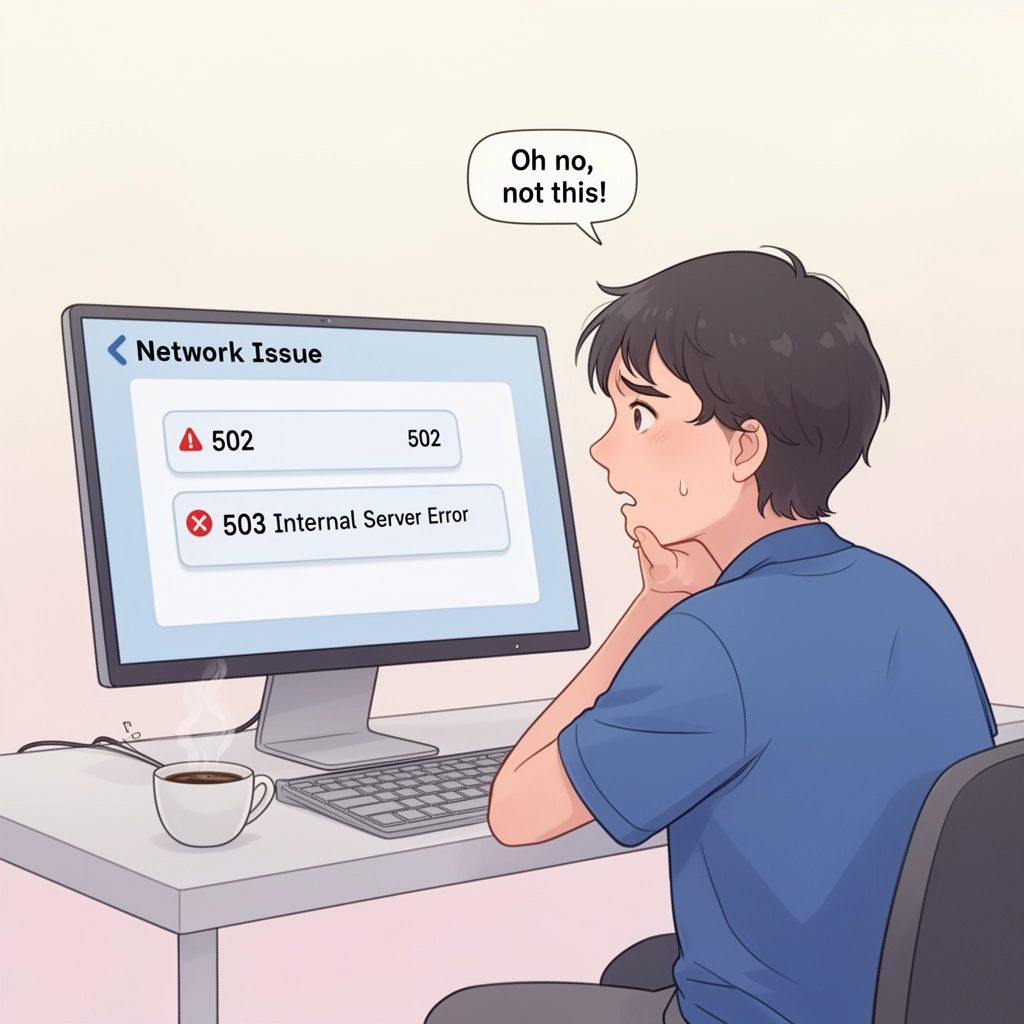
Imagine you're running a successful e-commerce store, but your website suddenly stops working, and visitors see a 502 or 503 error message. This can be frustrating and hurt your business, especially if it happens frequently. In this article, we'll explore the causes of 502 and 503 errors on VPS hosting, their differences, and most importantly, provide you with practical solutions to prevent them from happening in the first place.
First, let's define what these errors mean. A 502 error typically occurs when the server receives an invalid response from the upstream server or application. On the other hand, a 503 error is triggered when the server is temporarily unavailable or under maintenance. While both errors can be caused by various factors, they often point to server overloading, misconfigured server settings, or software issues.
So, what are some common causes of 502 and 503 errors on VPS hosting? Here are a few possible reasons:
- Server Overload: When your website receives a high volume of traffic, it can cause the server to become overwhelmed, leading to errors. This is especially true for VPS hosting plans with limited resources.
- PHP Memory Limit: If your PHP scripts consume too much memory, it can cause the server to run out of resources, resulting in errors.
- Server Configuration Issues: Incorrectly configured server settings can lead to errors, especially if the server is not optimized for your website's needs.
- Software Issues: Outdated or buggy software can cause errors, especially if it's not compatible with your server's configuration.
- DDoS Attacks: Distributed denial-of-service (DDoS) attacks can overwhelm your server, causing errors and downtime.
Now that we've discussed some common causes, let's move on to the solutions. Here are a few ways to prevent 502 and 503 errors on VPS hosting:
Solutions to Prevent 502 and 503 Errors
1. Monitor Server Resources
Use tools like cPanel, CloudLinux, or ServerPilot to monitor your server's resources, such as CPU, memory, and disk space. This will help you identify potential issues before they cause errors.
2. Optimize Server Configuration
Regularly review and adjust your server settings to ensure they're optimized for your website's needs. This may include tweaking PHP settings, adjusting MySQL configurations, or optimizing server caching.
3. Upgrade Server Resources
If you're experiencing frequent errors due to server overload, consider upgrading to a more powerful VPS hosting plan or dedicated server.
4. Use a CDN
A content delivery network (CDN) can help reduce server load by distributing your website's content across multiple servers. This can improve performance and reduce errors.
5. Regularly Update Software
Make sure to regularly update your website's software, including plugins, themes, and the CMS itself. This will help prevent errors caused by outdated software.
6. Implement DDoS Protection
Consider implementing DDoS protection services to prevent malicious attacks from overwhelming your server.
By following these solutions, you can significantly reduce the occurrence of 502 and 503 errors on your VPS hosting. Remember to regularly monitor your server resources, optimize server configuration, upgrade server resources as needed, use a CDN, regularly update software, and implement DDoS protection to prevent errors from happening in the first place.
Conclusion
In this article, we've discussed the causes of 502 and 503 errors on VPS hosting, their differences, and provided you with practical solutions to prevent them from occurring. Remember, a well-maintained server is key to a smooth and error-free website experience. By taking the necessary steps to prevent errors, you can ensure your website stays online, and your visitors have a great experience.
What's Your Reaction?