A Step-by-Step Guide to Packaging and Distributing Electron Apps for Windows, macOS, and Linux
Learn how to package and distribute Electron apps for Windows, macOS, and Linux with this step-by-step guide.

A Step-by-Step Guide to Packaging and Distributing Electron Apps
In this article, we will explore the process of packaging and distributing Electron apps across various platforms, including Windows, macOS, and Linux.
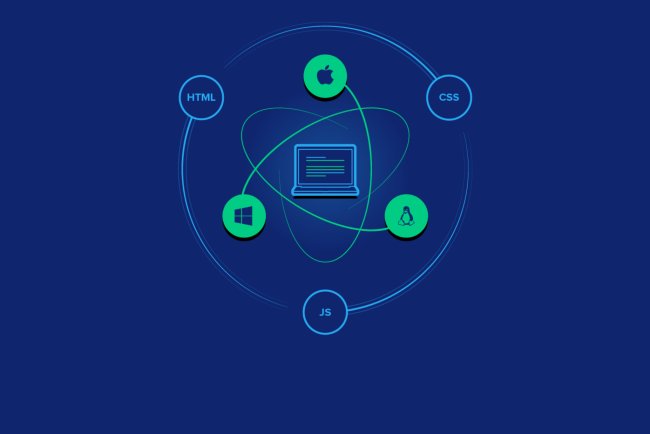
Electron is an open-source framework that allows developers to create cross-platform desktop applications using web technologies such as HTML, CSS, and JavaScript. With Electron, you can build a single application that can run on multiple platforms without the need for platform-specific code.
However, to distribute your Electron app, you need to package it for each platform. In this guide, we will cover the steps to package and distribute your Electron app for Windows, macOS, and Linux.
Step 1: Prepare Your Application
Before packaging your Electron app, you need to ensure that it is ready for distribution. This includes testing your app to ensure it works as expected and fixing any bugs or issues.
Step 2: Choose a Packaging Tool
There are several packaging tools available for Electron apps, including Electron Builder, NSIS, and Squirrel.Windows. In this guide, we will use Electron Builder, as it is one of the most popular and user-friendly options.
Step 3: Configure Your Application
Once you have chosen a packaging tool, you need to configure your application to work with it. This includes specifying the platform, architecture, and other settings.
Step 4: Package Your Application
After configuring your application, you can package it for each platform using the packaging tool. This will create a standalone executable file that can be distributed to users.
Step 5: Distribute Your Application
Once you have packaged your application, you can distribute it to users through various channels, including your website, app stores, or other distribution platforms.
By following these steps, you can package and distribute your Electron app for Windows, macOS, and Linux, making it accessible to a wider audience.
We hope this guide has been helpful in understanding the process of packaging and distributing Electron apps. If you have any questions or need further assistance, please don't hesitate to reach out.
What's Your Reaction?